AI test automation
Generative AI in Software Testing: 9 Real Use Cases (2027)
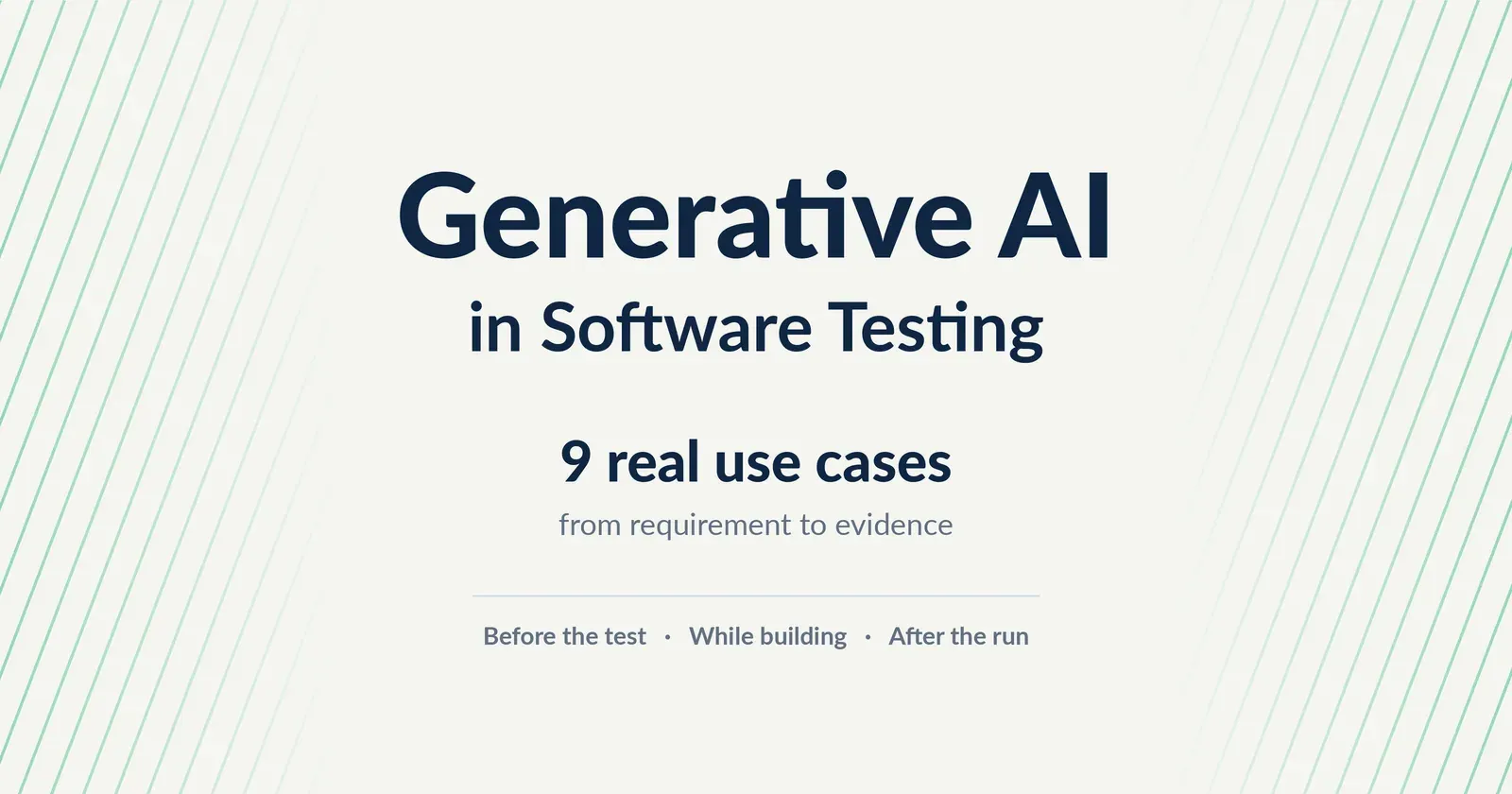
Forty user stories, two testers, one sprint. Here is where generative AI in software testing actually earns its place, and where it still needs a human.
Quick answer
Generative AI in software testing means using AI models that create new content, such as test cases, automation scripts, test data and failure summaries, to support QA work. It helps most before testing (reviewing requirements, drafting tests), while building tests (scripts, data, locator repair) and after a run (explaining failures, traceability). People still review everything, because generative AI can be confidently wrong.
4 min read
It is Monday morning. The sprint has forty new user stories, the release is in ten days and your team has two testers. Nobody is asking whether to use generative AI in software testing anymore. The real question is where it actually helps, and where it quietly creates more work.
This guide answers that from a QA point of view. No hype, just the 9 places where generative AI earns its place today, what each one is good for and what to watch out for.
First, what are we talking about?
Generative AI in software testing means using AI models, usually large language models, that create something new: a test case, a script, a set of test data, a summary of a failed run. Older AI in testing mostly predicted things, such as which tests to run first. Generative AI produces the work itself.
That last row matters most. A wrong prediction is easy to spot. A confident, well written but wrong test case is not.
Before the test: where generative AI saves the most time
1. Reviewing requirements
What it does: reads a user story and points out missing details, vague rules and conflicts, then suggests a clearer version.
Where it helps: stories written in a hurry, the kind that say “the user should be able to update their details”.
Watch out: AI can suggest rules your business never agreed to. A person must approve every change.
Most bad tests start with a bad requirement. Fixing it here is cheaper than fixing a failed release later. See how AI validates acceptance criteria.
2. Drafting test cases
What it does: turns a requirement into positive, negative, boundary and edge case scenarios in seconds.
Where it helps: large backlogs where writing every case by hand is impossible.
Watch out: volume is not coverage. Check that each case tests something the requirement actually asks for.
More detail in how AI test generation works.
3. Suggesting exploratory ideas
What it does: proposes unusual paths a tester may not think of, such as a refund after a partial payment.
Where it helps: short exploratory sessions before a release.
Watch out: treat these as ideas, not tests. Read more on AI powered exploratory testing.
While building: turning tests into running automation
4. Writing automation scripts
What it does: turns approved test cases into code, such as Playwright scripts, and converts scripts between languages.
Where it helps: teams with more test cases than automation engineers.
Watch out: code that runs is not the same as code that checks the right thing. Review the assertions.
5. Creating synthetic test data
What it does: produces realistic but fake customers, accounts and transactions.
Where it helps: banking, insurance and healthcare, where real data cannot leave production.
Watch out: synthetic data must still follow your real rules, such as valid account formats. See synthetic test data generation.
6. Repairing broken locators
What it does: when a button or field changes, suggests a new way to find it so the test keeps running.
Where it helps: apps whose UI changes every sprint.
Watch out: a repaired locator can point at the wrong element. Review repairs that change what the test clicks. Learn more about self healing test automation.
After the run: making results useful
7. Explaining failures
What it does: reads logs and screenshots and summarises what failed and the likely cause.
Where it helps: nightly runs where a tester faces fifty red results at 9 a.m.
Watch out: a likely cause is a starting point, not proof.
8. Building traceability and reports
What it does: links each result back to its requirement and drafts the report auditors ask for.
Where it helps: regulated teams that rebuild spreadsheets before every audit. See requirements traceability matrix automation.
Watch out: the report is only as honest as the links behind it.
9. Testing generative AI features themselves
What it does: checks chatbots and AI assistants inside your own product for made up answers, unsafe replies and prompt injection, where a user tricks the AI into ignoring its rules.
Where it helps: any product that shipped an AI feature this year.
Watch out: deciding what a “correct” answer looks like is the hard part, the classic AI test oracle problem.
The benefits of AI in software testing, honestly measured
The real benefits are simple. Drafting takes minutes instead of hours, edge cases get suggested instead of forgotten and testers spend their time on judgement instead of typing. The cost is review time. Teams that skip review lose most of the benefit, because they end up debugging tests instead of the product.
Where generative AI still gets it wrong
- It invents fields, rules or expected results that do not exist.
- It cannot see your real application unless something shows it the screens.
- It turns a vague requirement into many vague tests, very quickly.
- It is unsafe with real customer data in public tools.
None of this is a reason to avoid it. It is a reason to keep people in the loop, the same lesson teams learned from testing AI generated code.
Is your team ready? A five question check
- Are your requirements written down, with acceptance criteria?
- Does someone own the review of AI generated tests?
- Do you have a safe source of test data?
- Can you trace each test back to a requirement?
- Will you measure time saved and defects caught, not just test count?
Three or more “yes” answers means you are ready to start with one feature.
Where TestMax fits
TestMax, the requirement driven AI testing platform by Mammoth-AI, was built around the limits above. It scores each requirement on clarity, completeness, consistency, atomicity and testability before any test exists. App Scan reads the real application, so generated tests use real fields instead of guesses. TestMax then generates test cases and editable Playwright scripts in TypeScript, JavaScript, Python, Java or C#, runs them and links every result back to its requirement.
Read What Is TestMax? or explore the AI test automation platform.
Forty stories, ten days, two testers? See TestMax on your own requirements.