Requirements and test design
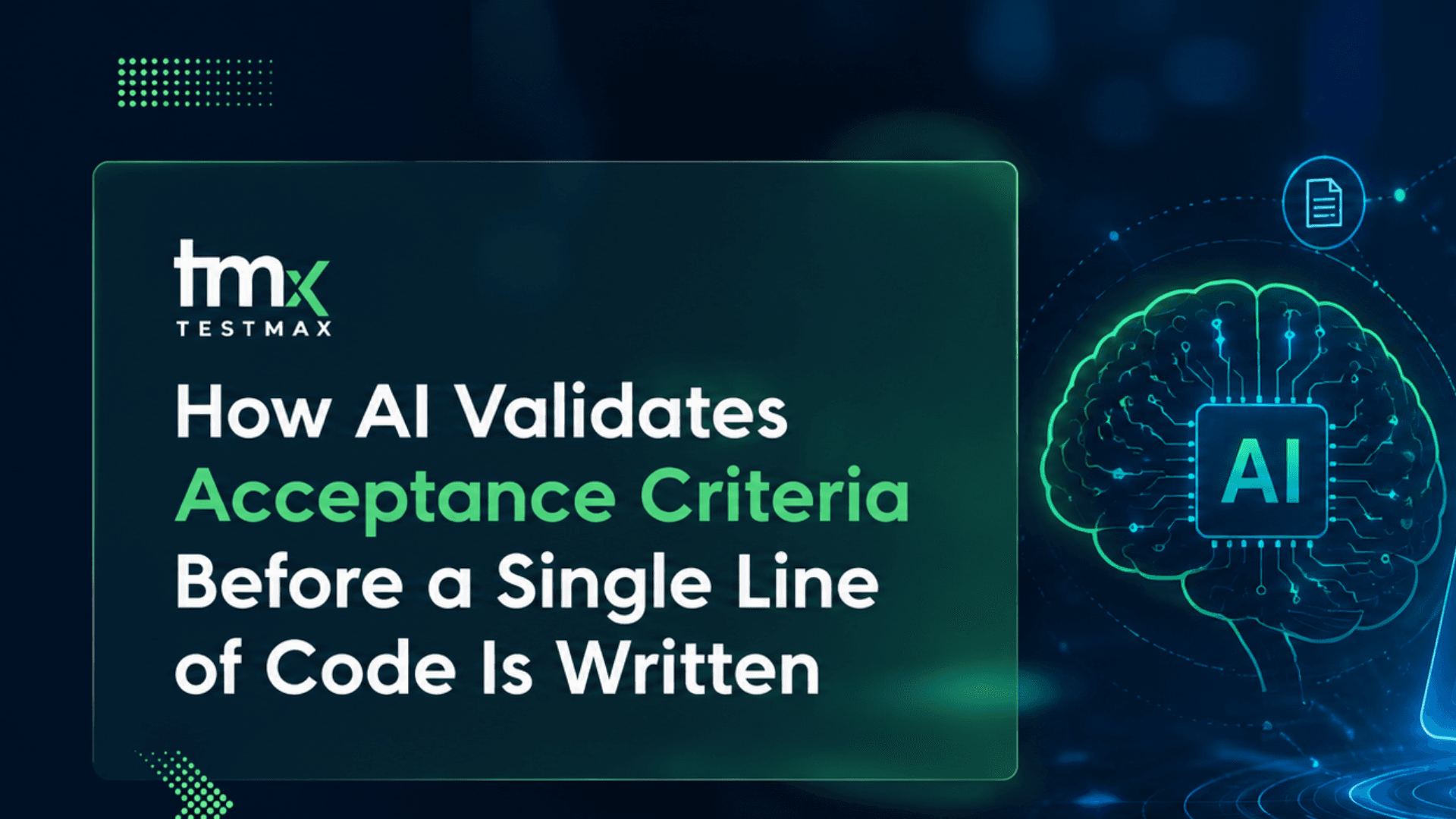
How AI Validates Acceptance Criteria Before a Single Line of Code Is Written
AI acceptance criteria validation helps software teams identify ambiguous requirements, missing edge cases, hidden assumptions, and incomplete business rules before development begins. By validating requirements early, teams improve test quality, reduce defects, and strengthen shift-left software testing practices.
7 min read
Most software bugs are not born in code. They are born in requirements.
A developer writes a feature based on what they think a user story means. A QA engineer writes test cases based on their interpretation of the same story. And a product manager approves both without realizing the three of them had three different definitions of "done."
By the time anyone notices the problem, the code is already written. The tests have already built. And fixing it costs ten times more than catching it early would have.
This is the problem that AI acceptance criteria validation is built to solve and it is the exact place where TestMax AI starts working, before any test case is ever created.
What Is Acceptance Criteria Validation?
Acceptance criteria are the conditions a software feature must meet to be considered complete. They are usually written alongside user stories in tools like Jira or Azure DevOps. They look something like this:
Given a logged-in user, when they click Reset Password, then they should receive an email with a reset link within 2 minutes.
That sounds clear. But it leaves out a lot:
- What happens if the email does not exist in the system?
- Does the link expire? If so, when?
- Can the link be used more than once?
- What happens to the old password immediately after reset?
- Are there rate limits on reset requests?
Acceptance criteria testing means checking whether the written criteria are actually complete, testable, and unambiguous before development begins.
Without this step, developers build features with gaps. QA engineers write tests that miss edge cases. And bugs that were avoidable end up in production.
Why Humans Are Not Good at Catching This
Here is the uncomfortable truth: humans are bad at spotting what is missing.
When a QA engineer reads a user story, they naturally fill in gaps with assumptions. They assume the reset link expires because every reset link they have ever seen expires. They assume rate limiting exists because it is a standard security practice. So they write test cases covering those things even though the requirement never described them.
This creates a false sense of coverage. The tests look thorough. But they are testing the QA engineer's assumptions, not the actual feature specification. And when the developer had different assumptions, the result is a mismatch nobody noticed until users found it.
This is exactly what AI requirement validation is designed to prevent.
How AI Validates Acceptance Criteria
AI does not make assumptions. It reads what is written and identifies what is missing by comparing your requirements against known quality dimensions.
Here is what that looks like in practice inside TestMax AI.
1. Clarity Check
The AI scans each acceptance criterion for vague language words like "should," "might," "usually," "appropriate," or "fast." These words mean something different to every person who reads them.
Vague: The page should load quickly.
Clear: The page must load within 2 seconds on a standard broadband connection.
If the criterion contains vague language, the AI flags it and rewrites it with specific, measurable terms.
2. Completeness Check
This is where acceptance criteria analysis goes deepest. The AI checks whether the criterion covers all the necessary scenarios not just the happy path.
For every acceptance criterion, it asks:
- What happens when the input is invalid?
- What happens when the system is under load?
- What happens when the user is in an edge case role or permission level?
- What is the exact expected behavior, not just the general outcome?
Missing scenarios are flagged before a single test case is generated.
3. Consistency Check
The AI looks across all the requirements in a feature set to find contradictions. One criterion might say the session expires after 15 minutes of inactivity. Another might say the user stays logged in for 24 hours. Both cannot be true at the same time. A human might not catch this if the two criteria are on different tickets. The AI always does.
4. Testability Check
Not every criterion can be tested automatically. Some are written in ways that make it impossible to define a pass or fail condition. The AI identifies these and rewrites them with testable outcomes.
Untestable: The UI should feel intuitive.
Testable: A new user with no prior training should be able to complete the checkout flow in under 3 minutes without clicking the help link.
What Happens When Acceptance Criteria Are Weak
If you skip AI acceptance criteria validation and go straight to test generation, you do not get good tests. You get tests that reflect the same incomplete information that was in the requirement.
This is the core argument in our article on why AI generates bad test cases. The problem is almost never the AI model. The problem is the input it was given.
Weak input → weak tests → bugs in production.
Strong input → complete tests → bugs caught before they cost anything.
The difference is not the AI's capability. It is what happened before the AI started working.
Acceptance Criteria Validation as a Shift-Left Strategy
The concept of shifting testing left means catching problems earlier in the development cycle ideally before any code is written. Acceptance criteria validation is the furthest left you can go.
When you validate criteria at the requirement stage, you are fixing problems at the cheapest possible moment. According to industry research, a defect found during requirements costs roughly 10 to 100 times less to fix than the same defect found after deployment.
This is not a minor efficiency gain. For a mid-sized development team running several releases per quarter, catching requirement gaps early can mean the difference between a stable release and an emergency rollback.
How TestMax AI Handles This Automatically
Most teams approach requirement validation manually a senior QA engineer or business analyst reviews the tickets before sprint planning. This works when it happens. But it often does not happen because it is time-consuming, and the person who would do it is already overloaded.
TestMax AI removes the human bottleneck entirely.
When requirements enter TestMax whether from Jira, Azure DevOps, a document upload, or the native editor the AI immediately runs requirement intelligence across every criterion. It does not wait for a human to schedule a review. It does not skip tickets that look good enough. It scores every requirement, flags every issue and rewrites weak criteria automatically.
By the time the AI starts generating test cases, the acceptance criteria have already been validated, strengthened, and cleared for use. That is what makes the downstream automation reliable. And that is what makes TestMax different from tools that simply generate tests from whatever they are given.
You can see how this fits into the full pipeline in our overview of what an AI-driven test automation platform actually does.
A Real Example: The Difference Validation Makes
Here is the same user story before and after AI acceptance criteria validation.
Before Validation:
As a user, I want to be able to log in with my email and password so that I can access my account.
Acceptance criteria:
- The user can enter their email and password
- The system checks the credentials
- If correct, the user is taken to the dashboard
What's missing: No mention of what happens with wrong credentials. No mention of account lockout. No mention of what happens with an unverified email. No mention of "remember me" behavior. No mention of session duration.
After AI Validation :
- The system accepts a valid email format and a password of at least 8 characters
- If credentials are correct and the email is verified, the user is redirected to the dashboard
- If credentials are incorrect, the system displays a generic error (no hint about which field was wrong)
- After 5 consecutive failed attempts, the account is locked for 30 minutes
- If the email is not verified, the user sees a prompt to check their inbox, not an error
- A successful login without remember me creates a session that expires after 30 minutes of inactivity
- A successful login with "remember me" creates a persistent session lasting 30 days
These are not invented requirements. These are requirements that should have been there from the start and would have been, if a senior engineer had written them. AI requirement validation ensures they are present before testing begins, regardless of who wrote the original story.
Teams Who Benefit Most
AI acceptance criteria validation is valuable for any software team, but it delivers the biggest return in these situations:
Large teams with mixed experience levels. Junior developers and business analysts write requirements differently than senior engineers. AI validation creates a consistent quality floor across the whole team.
Teams with fast sprint cycles. When requirements move from story to development in days, there is no time for manual review. AI validation happens instantly.
Regulated industries. Healthcare, fintech, and government software require full traceability between requirements and test outcomes. Validating criteria before testing begins is the foundation of that traceability on this in our piece on requirements traceability matrix automation.
Teams using Jira or Azure DevOps. TestMax connects directly to both platforms, which means validation happens on the requirements you already have in the tools you already use. No migration is required.
The Bottom Line
If your QA process starts at the test case, it is already starting too late.
Acceptance criteria testing is not a QA activity. It is a requirements activity. The quality of your tests is determined by the quality of your criteria and AI can now evaluate, score, and fix that criteria automatically, in seconds, before any test is written.
This is what requirement intelligence looks like in practice. And it is the foundational layer that makes everything TestMax AI does downstream test case generation, script creation, autonomous execution work.
Start your free 7-day trial of TestMax AI and see what happens when AI validates your acceptance criteria before your team writes a single line of code.
Related reading: writing requirements that can be tested.
Written byWaqar Hashmi, QA Automation AnalystAll articles