QA fundamentals
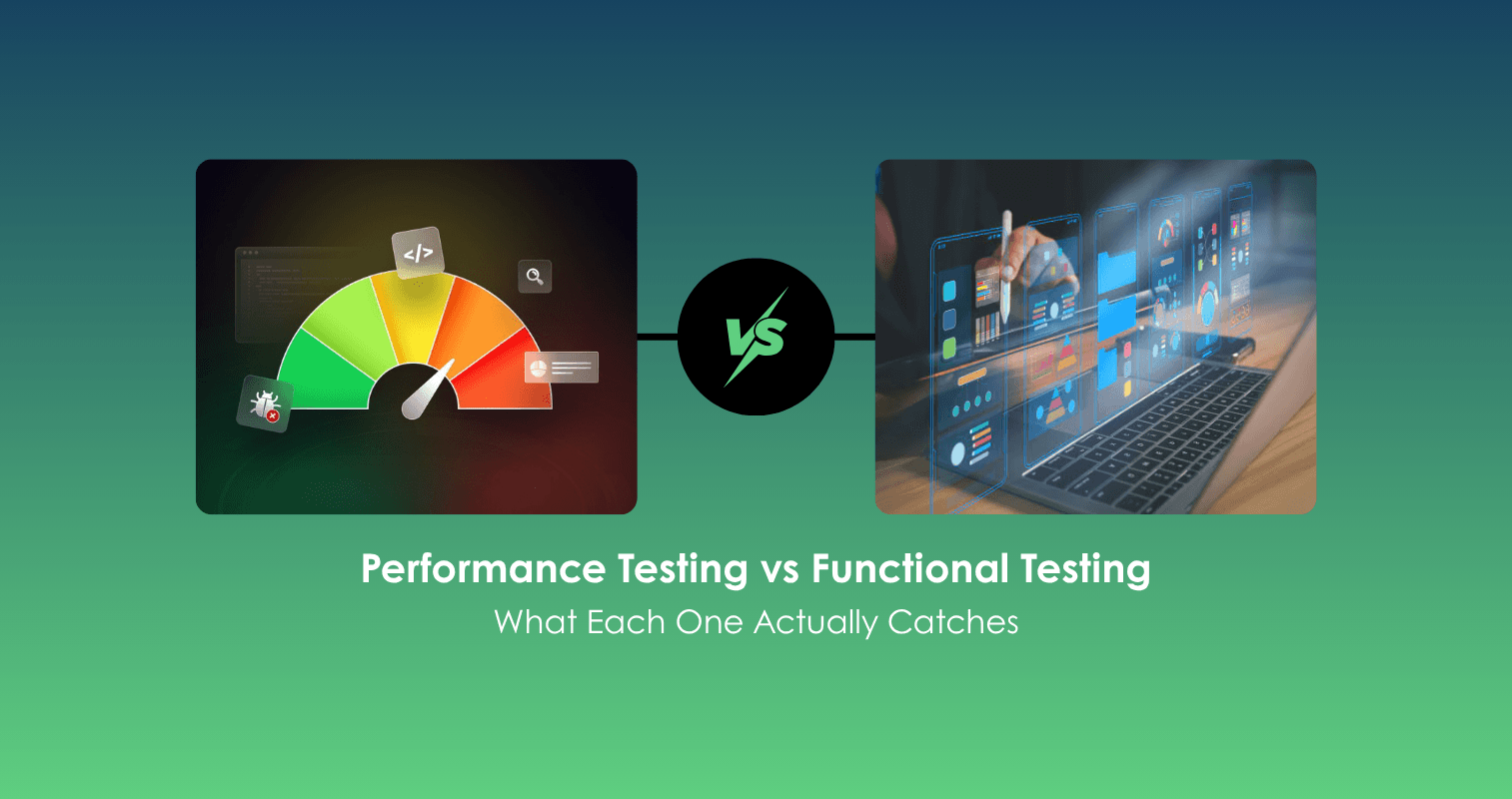
Performance Testing vs Functional Testing: What Each One Actually Catches
Two bugs, same app. One breaks a button. The other breaks the app the moment 10,000 people show up. Functional and performance testing catch completely different problems. Here's the real difference, the other types of non-functional testing, and which one you actually need first.
5 min read
Two bug reports, same app, filed the same week:
Ticket #1: "Add to Cart" button does nothing when clicked on the product page. Confirmed on Chrome and Safari.
Ticket #2: Checkout works fine for a single user, but times out and fails once more than 2,000 people are checking out at the same time.
Both are real bugs. Both need fixing. But they were found by two completely different kinds of testing, and a team that only does one of them will only ever catch one of these problems.
What Is Functional Testing?
Functional testing checks whether a feature does what it's supposed to do. Click the button, does the item get added to the cart? Submit the form, does the order go through? It's testing behavior, one action at a time, usually with one user in mind. It sits alongside other functional categories worth knowing, like the differences covered in regression testing vs functional testing and unit vs integration vs system testing, which break down testing scope at different stages of a build.
Ticket #1 is a textbook functional bug. The button simply doesn't work. No amount of traffic or speed matters here, it's broken for one person clicking it in a quiet room, same as it would be for ten thousand.
What Is the Difference Between Functional and Non-Functional Testing?
Functional testing asks "does it work?" Non-functional testing asks a different set of questions entirely: how fast does it work, how many people can use it at once, how secure is it, how well does it recover from problems.
If you're new to the concept, our beginner's guide to performance testing covers the full breakdown of load, stress, spike, and scalability testing. For this article, the short version is enough: performance testing is one type of non-functional testing, and it's the one Ticket #2 falls under. The checkout feature itself works correctly. The button submits the order, the payment processes, and everything behaves exactly as designed.
It only fails once real-world pressure gets added to the picture. That's a completely different failure category than a broken button, and it needs a completely different kind of test to catch it.
What Are the Types of Non-Functional Testing?
Performance testing gets the most attention, but it's one of several non-functional categories worth knowing:
- Performance Testing: Checks speed and behavior under load or traffic.
- Security Testing: Checks whether data and access are properly protected.
- Usability Testing: Checks whether real people can actually use the product easily.
- Reliability Testing: Checks whether the system keeps working correctly over time.
- Compatibility Testing: Checks whether it works across different devices, browsers, and versions.
- Scalability Testing: Checks whether the system can grow to handle more users without needing a full rebuild.
A feature can pass functional testing and still fail on any one of these. A checkout button that works, loads fast, and handles heavy traffic just fine can still fail usability testing if nobody can figure out where the button actually is.
What Bugs Does Performance Testing Catch That Functional Testing Misses?
This is really the core question, so here's a direct answer: functional testing catches broken behavior. Performance testing catches behavior that only breaks under pressure.
A few examples of bugs that pass functional testing completely, and only show up under performance testing:
- A search feature that returns correct results, but takes 12 seconds to do it once the database grows large
- A login system that works fine for one user, but starts rejecting valid logins once 5,000 people try at once
- An app that runs smoothly for the first hour, then slowly gets worse over an 8-hour shift because of a memory issue nobody noticed in a quick test
- A queue system that processes requests correctly one at a time, but starts skipping people or processing them out of order once it's overloaded
None of these show up if a tester just clicks through the feature once, confirms it works, and moves on. They only show up under the exact kind of pressure functional testing was never designed to apply.
Do You Need Both Performance and Functional Testing?
Yes, and treating either one as optional creates a predictable kind of surprise. Skip functional testing, and broken features reach real users immediately. Skip performance testing, and working features quietly fail the first time they matter most, usually during a launch, a sale, or a busy event, exactly when the cost of failure is highest.
Neither one is a substitute for the other. They're answering different questions about the same piece of software.
Which Comes First, Functional or Performance Testing?
In most real-world workflows, functional testing comes first, and there's a practical reason for it. There's little point in stress testing a feature that doesn't work correctly yet, since any failure under load could just be the same bug that was already there, now harder to isolate under heavy traffic. Get the feature working correctly first, then test how it holds up under pressure.
That said, the two shouldn't be treated as fully separate stages that only happen once each. As features change, both need to be checked again, and this is where a lot of teams lose track.
A team might diligently retest a feature functionally after every change, but forget to ask whether that same change affected performance too. A small logic change to how a queue processes requests, for instance, might pass every functional test while quietly breaking the fairness guarantee that used to hold up under load.
This is part of what requirement-driven testing tools like TestMax are built to keep track of, tying both the functional requirement ("the order must be placed correctly") and the performance-related requirement ("the queue must process fairly under load") to the same piece of functionality, so a change doesn't just get checked against one and quietly break the other.
A Quick Way to Tell Which One You're Dealing With
Next time a bug shows up, two questions usually sort it out fast:
Does it fail the same way every time, regardless of how many people are using it? That's almost always a functional bug.
Does it only fail, or fail differently, once traffic, time, or scale increases?
That's a performance bug, and it needs a different kind of test to catch it next time, not just a better version of the same functional check that already missed it once.
Related reading: what QA means today, and how teams use TestMax.
Written byAli Hashim, QA AnalystAll articles