QA fundamentals
Cross-Browser Testing in 2026: Which Browsers Still Actually Break Things
Most cross-browser advice is ten years old. See which browsers still differ in 2026, what actually breaks between them, and how to size your test matrix.
6 min read
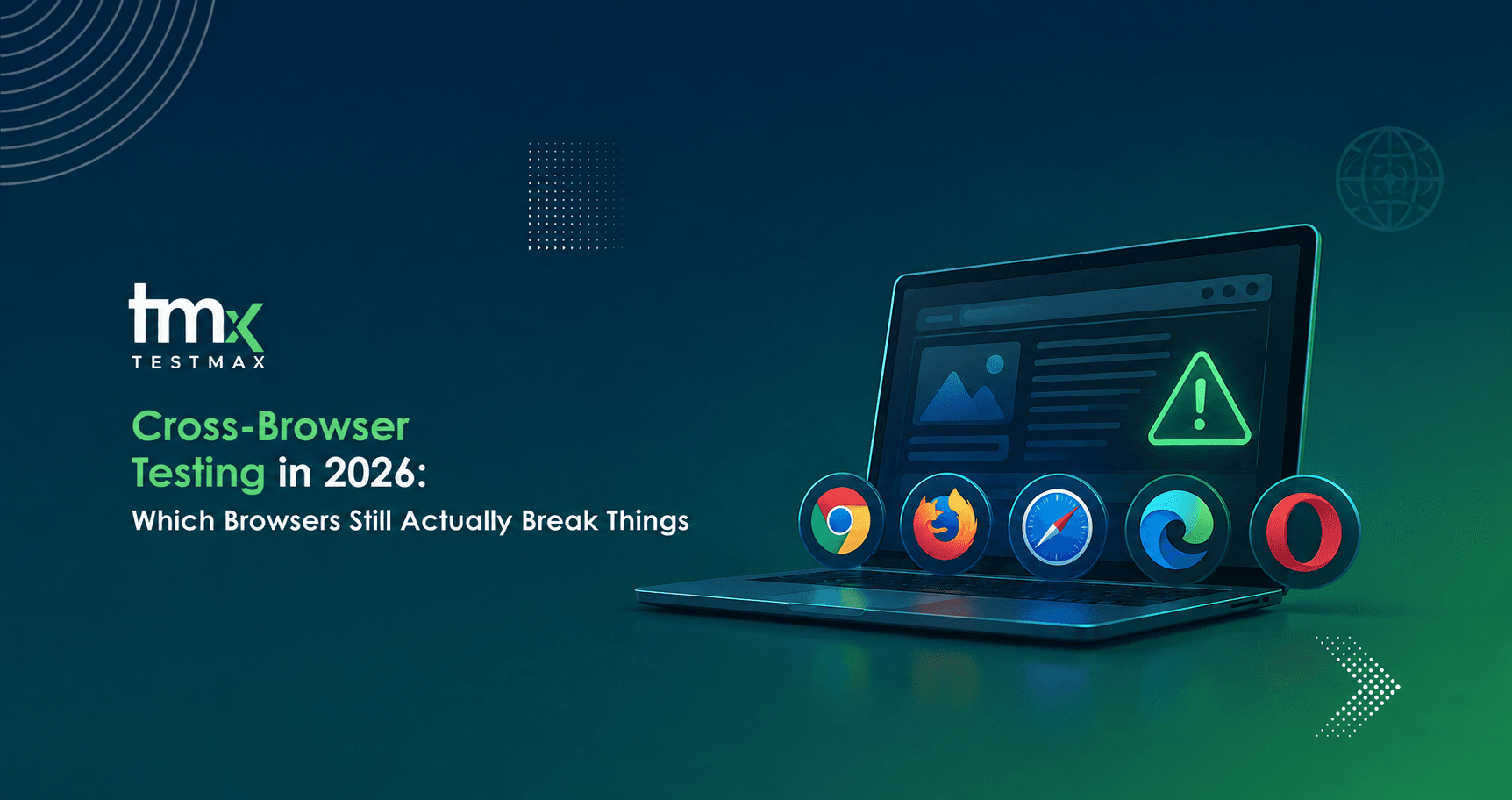
Cross-browser testing checks that a web application behaves the same way in every browser your users actually use. In 2026 the practical matrix is small. Chrome and Edge share the same engine and rarely differ. The real risk sits in Safari, which runs a different engine and handles dates, forms, and video its own way.
A team ships a booking form on a Tuesday. It works. Every field validates, the date picker opens, the confirmation fires.
On Thursday, support gets three tickets from customers who cannot select a date. All three are on Safari. The custom date overlay sits behind the browser's own date control, so the click lands on the wrong layer. Nobody caught it because nobody ran the flow in Safari. The team had assumed browsers stopped being different years ago.
They did not stop being different. They just became different in fewer, sharper places.
What cross-browser testing means today
Cross-browser testing is the practice of running the same user flow in more than one browser and confirming the result is the same each time.
The useful thing to understand is that you are not testing browsers. You are testing rendering engines. A rendering engine is the part of the browser that turns your code into what the user sees on screen.
There are three engines that matter, and six browsers built on them:
- Chrome, on Chromium. Test it. This is your baseline, and the browser most of your users are on.
- Edge, on Chromium. Rarely worth a separate run. It shares an engine with Chrome, so results are nearly always the same. The exception is managed enterprise environments where company policies or extensions change how pages behave.
- Opera, on Chromium. No separate run needed. Same engine, same result.
- Brave, on Chromium. No separate run needed. Same engine, same result.
- Safari, on WebKit. Test it. This is a different engine and it is where most real breakage lives.
- Firefox, on Gecko. Depends on your audience. Check your own analytics before you decide.
Six browsers. Three engines. Two lanes that genuinely need attention.
Why the old twelve-browser matrix is wasted effort
Most cross-browser advice online was written before 2020, and it shows.
Back then, Edge had its own engine, Internet Explorer was still in enterprise fleets, and every browser interpreted CSS its own way. Testing ten browsers made sense because ten browsers could each fail on their own terms.
Two things changed. Edge moved to Chromium, so it now renders almost identically to Chrome. Internet Explorer was retired.
The result is that a large part of the classic test matrix now produces duplicate results. If a flow passes in Chrome, it will almost always pass in Edge, Opera, and Brave. You are paying to run the same test four times.
This does not mean the matrix should be one browser wide. It means the effort should move from breadth to depth on the two lanes that actually diverge.
Where browsers still genuinely differ
These are the areas worth your attention. Each one is a real source of production bugs, not a theoretical difference.
- Date and time inputs (high risk). Native controls look and behave differently in each engine. Custom overlays built on top of them can be blocked or misaligned, so the click lands on the wrong layer.
- Form validation and autofill (high risk). Error messages, tab order, and autofill behaviour all vary by engine. A form that guides the user cleanly in one browser can leave them stuck in another.
- Video and audio (high risk). Autoplay rules differ from browser to browser, and some formats are not supported everywhere. Media that plays on load in one engine stays silent in another.
- Fonts and text rendering (medium risk). Small spacing differences shift the layout. Enough of them stacked together can push buttons or content off the visible screen.
- Scroll and sticky elements (medium risk). Sticky headers and scroll anchoring behave differently, which can cover content or send the user to the wrong position on the page.
- Private browsing storage (medium risk). Storage limits are tighter in some browsers, so sessions can drop mid-flow and the user is logged out without warning.
The pattern is worth noticing. Almost none of these are visual styling problems. They are behaviour problems. A screenshot comparison will not catch a date picker that opens behind another element and blocks the click. Only running the flow catches that.
How to size your browser matrix
Do not copy a matrix from a blog post, including this one. Build it from your own numbers.
Step one. Open your analytics and pull browser usage for the last ninety days. Segment it by the users who complete your key action, not all traffic. A browser used by 2% of visitors but 15% of paying customers is not a 2% browser.
Step two. Cover every engine that appears above the threshold you set. One or two percent is a reasonable line for most B2B products.
Step three. Add one WebKit lane regardless of what the numbers say, because anyone on an Apple device is in that lane and Apple users skew toward the buyers you want.
For most enterprise web applications that gives you two required lanes and one optional. Chromium as the baseline. WebKit as the risk lane. Gecko if your analytics justify it.
Why teams skip it anyway
Nobody skips cross-browser testing because they think the risk is gone. They skip it because the cost is linear.
Every browser you add multiplies the work. Scripts have to be written for each lane, then repaired every time the interface moves. Adding a second browser can nearly double the maintenance load on a suite that is already the biggest line item in the QA budget.
When the release date gets close, the matrix is the first thing cut. That is a rational decision under the constraints. The constraint is what needs to change.
What changes when tests come from requirements
The cost only multiplies if the test is defined by the click path.
A recorded test is a list of steps tied to specific elements on a specific page. It belongs to the browser it was recorded in. Run it somewhere else and it breaks, so someone rebuilds it.
A requirement is different. "A customer must be able to select a delivery date within the next thirty days" is true in every browser. It does not mention an element ID. It does not care which engine renders the control.
When tests are generated from the requirement rather than from a recording, the same requirement can be executed across every lane without anyone writing it a second time. Adding a browser stops being a project and becomes a setting.
This is the model TestMax is built on. Requirements go in, test cases and scripts are generated automatically, and AI agents execute across browsers and environments with results traced back to the requirement they came from. The reason to care is not that it is automated. Plenty of tools automate execution. The reason to care is that the cost of adding a browser stops scaling with the size of your suite.
Where to start this week
Pick your three highest-value user flows. Signup, checkout, and whatever your core action is.
Run those three in Safari by hand. Not the whole suite. Three flows, one browser, one afternoon.
Most teams find at least one real defect on the first pass. That finding is what justifies the matrix conversation with your engineering lead, and it costs you almost nothing to get.
Related reading: our complete guide to quality assurance, and TestMax use cases.
Ready to see it work on your own application? Book a Demo