QA fundamentals
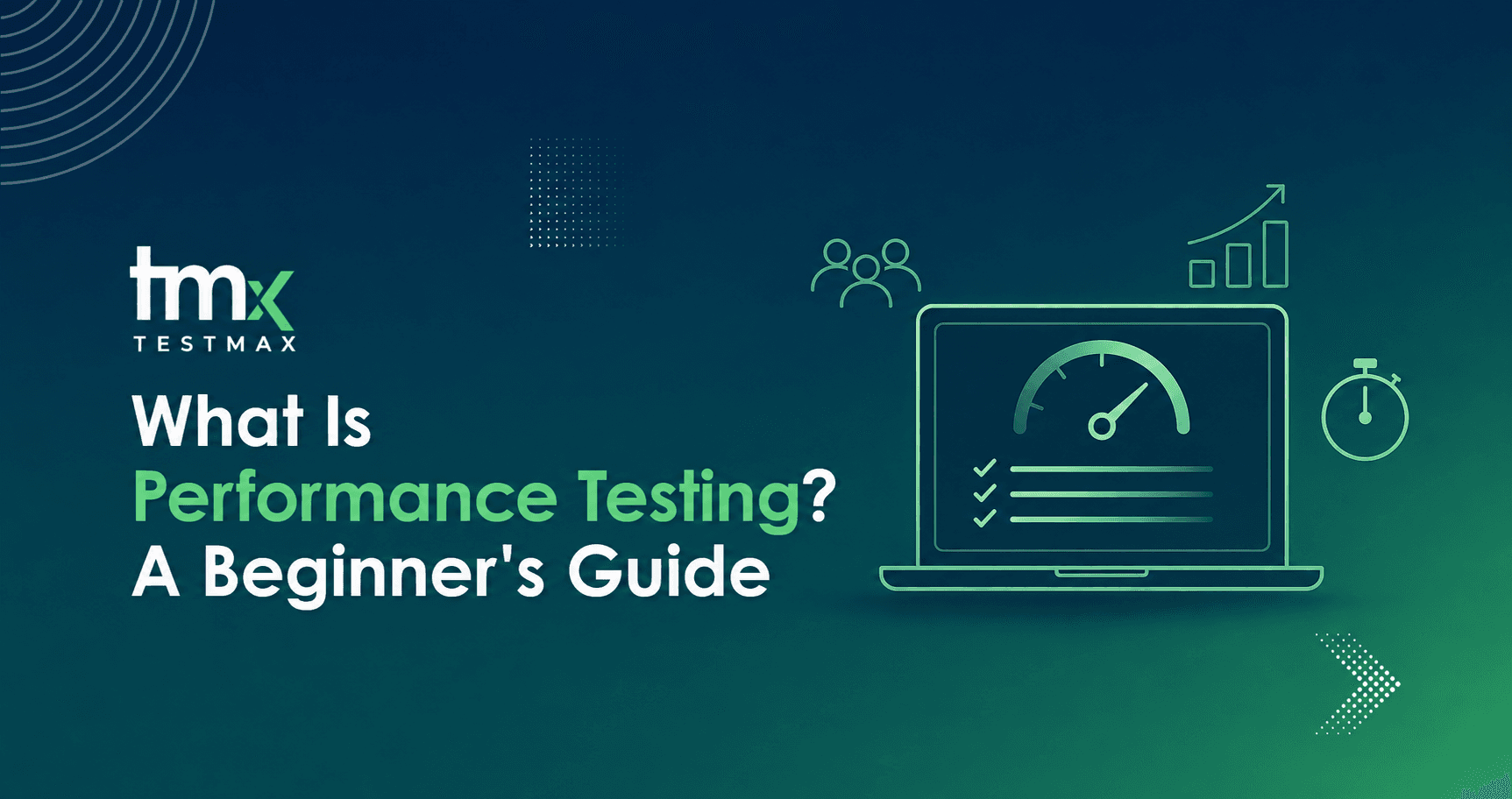
What Is Performance Testing? A Beginner's Guide
Performance testing sounds technical, but the idea is simple: will your software still work when a lot of people use it at once? This beginner's guide breaks down what it actually means, the different types, and a real example of what happens when nobody tests for it.
4 min read
Here's a question worth asking about any app or website you use: what happens the moment everyone shows up at once?
Most software gets tested for the normal day. Fewer teams test for the day everything goes right, and a huge number of people try to use it at the exact same time. That gap between "works normally" and "works under pressure" is what performance testing is built to close.
On November 15, 2022, Ticketmaster found out the hard way what happens when that gap isn't tested. The company had prepared for 1.5 million verified fans to buy Taylor Swift tickets. Instead, over 14 million people showed up, sending 3.5 billion requests through a system that had never handled anywhere near that volume.
The site crashed within minutes. Fans sat in frozen queues for up to eight hours. The public sale got cancelled entirely, and a Live Nation executive ended up testifying in front of the U.S. Senate a few months later.
That's the entire idea of performance testing, told through one very public failure. Now let's break down what it actually means.
So What Does "Performance Testing" Actually Mean?
Performance testing checks how software behaves under real conditions, not just whether a feature technically works. A checkout button can work perfectly when one person clicks it in a quiet office. Performance testing asks a harder question: does it still work when 50,000 people click it during a flash sale?
It's not one single test. It's a group of related tests, each aimed at a different kind of pressure.
- Load testing: Checks normal, expected traffic (e.g., A typical Monday's worth of users).
- Stress testing: Pushes past normal limits on purpose (e.g., Doubling users until something breaks).
- Spike testing: Checks sudden, sharp jumps in traffic (e.g., Traffic jumping the second a sale starts).
- Endurance testing: Checks behavior over long, steady use (e.g., Running fine for 10 minutes, but failing after 10 hours).
- Scalability testing: Checks growing smoothly as usage grows (e.g., Handling 10x more users next year).
Ticketmaster's failure touches at least three of these at once. It was a spike (millions arriving in the same minute), it exceeded any load they'd stress tested for, and it exposed that the system hadn't been proven at that scale beforehand. One test type alone wouldn't have caught the whole picture.
Load Testing and Performance Testing Aren't the Same Thing
This trips up a lot of people starting out, so it's worth being precise.
Performance testing is the broad category. Load testing is one specific test that lives inside that category, focused only on expected, everyday traffic. A team that only runs load tests has checked one thing, normal conditions, and left the rest of the table above completely untested.
That's often exactly how a company ends up surprised. They tested for a normal Tuesday and never tested for a Tuesday 14 million people show up.
Why This Matters More Than It Seems
It's easy to treat performance testing as a "nice to have," something you get to eventually. The Ticketmaster case shows why that's a mistake. The company didn't have a coding bug in the traditional sense.
Every part of the system did what it was built to do. It just had never been proven to handle real-world scale, and the first time anyone found out was in front of millions of paying customers, live, with no way to quietly fix it first.
That's the real cost of skipping performance testing. It's rarely a small, private failure. It shows up exactly when the most people are watching.
How Performance Testing Actually Gets Done
In practice, it usually follows a rough sequence:
- Decide what "good" looks like first, something specific like "checkout must load in under 2 seconds with 50,000 concurrent users," not a vague goal
- Simulate realistic traffic using tools built for this, not a handful of people manually clicking around
- Run it somewhere safe, away from real customers, in case something breaks badly
- Watch closely for slowdowns, errors, and exactly where things start to strain
- Push past the expected limit on purpose, so the breaking point is known ahead of time instead of discovered live
- Fix what breaks, then test again, since this isn't a one-time box to check
That last point matters more than beginners usually expect. Software keeps changing. A system that comfortably handled last year's traffic can still fail against this year's growth if nobody tests it again.
What This Looks Like Beyond Raw Traffic
Most people think of performance testing purely as a traffic and infrastructure problem, and a lot of it is. But some of the most damaging failures are really about logic breaking down under pressure, not servers running out of capacity.
A queue system that's supposed to process requests fairly can start behaving unfairly the moment it's overloaded, letting some requests through out of order while others wait far longer than they should.
That's less about how much traffic a server can handle and more about whether a specific requirement, like "requests must be processed fairly," still holds once things get busy. This is where requirements-driven tools like TestMax add something raw load-testing tools usually don't: tracking whether the system's actual rules still hold up once conditions are no longer ideal.
Try This on an App You Use Every Day
Next time you're using an app during a busy moment, a big sale, a popular event, or a Friday night, pay attention to what happens. Does it slow down gracefully, or does it just stop responding? Does it tell you what's going on, or does it leave you guessing?
That reaction you're watching is the direct result of whether someone tested for that exact moment beforehand, or assumed it would probably be fine. Ticketmaster assumed. 14 million people found out otherwise, all at once.
Related reading: the basics of modern quality assurance, and real QA use cases.
Written byWaqar Hashmi, QA Automation AnalystAll articles