Industries and real failures
Black Friday Load Testing: Why Retail Sites Still Crash, and How to Stop Yours From Being Next
J.Crew lost 323,000 shoppers in five hours. Costco was down 16. Here is why retail checkout keeps failing under peak load, and what testing actually prevents it.
8 min read
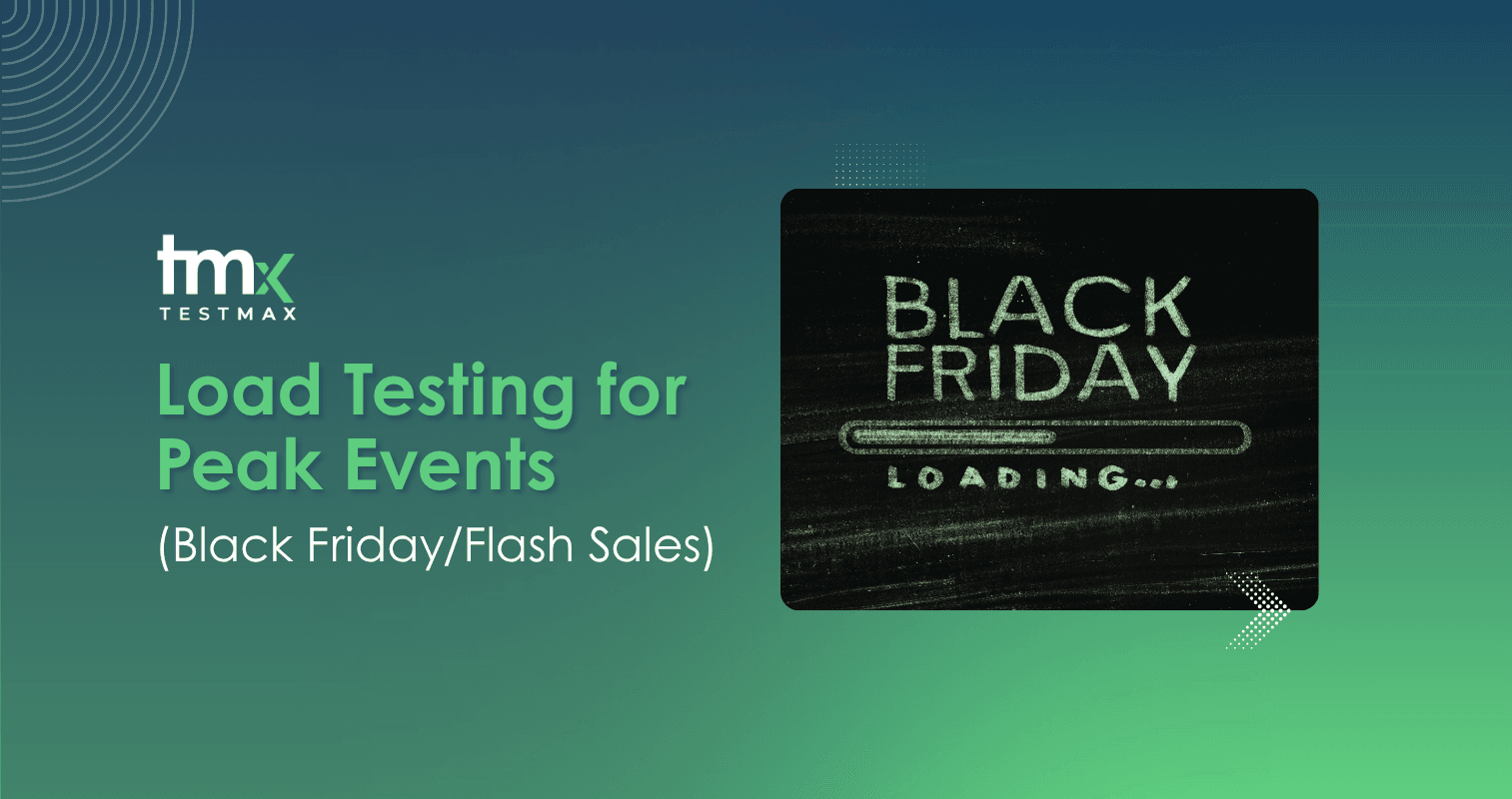
The date never moves. It is on the calendar a year in advance, every marketing team plans around it, and every engineering team knows it is coming.
Retail sites still go down.
Not small stores running on shared hosting. Companies with nine-figure technology budgets and full platform teams. They go down in the first hour, on the one day where an hour of downtime costs more than a quarter of infrastructure spend.
So why does this keep happening to teams that clearly know better? The honest answer is that Black Friday traffic does not behave like normal traffic, and most testing does not behave like Black Friday.
What actually happens when retail sites crash
The failures are well documented, and the numbers are worth sitting with.
During the 2018 Black Friday weekend, J.Crew's site failed intermittently across roughly five hours. Retail aggregator LovetheSales.com estimated the outage affected around 323,000 shoppers and cost the company about $775,000 in sales. Walmart hit trouble earlier in the same period, on the Wednesday before Thanksgiving, with estimates putting the impact at roughly 3.6 million shoppers and $9 million.
A year later, on Thanksgiving Day 2019, Costco's site went down for approximately 16 hours during a one-day promotion. Analysts quoted by ABC News put the potential loss near $11 million. Costco extended its Thanksgiving-only deals into Friday to compensate.
Worth being precise about these figures, because they get repeated carelessly. They are third-party estimates, not audited losses, and they come from two different years rather than one catastrophic Black Friday. The companies never published their own numbers. That said, the direction is not in dispute, and neither is the pattern behind it: infrastructure sized for normal daily load, hit by ten or twenty times that volume inside a few minutes.
None of these teams were careless. That is the uncomfortable part.
The failure you cannot test for by yourself
There is a second category, and 2025 gave a textbook example of it.
On 18 November 2025, ten days before Black Friday, Cloudflare had a global outage. Not a breach. A permissions change on an internal database caused a configuration file to roughly double in size, that file propagated across the network, and the proxy reading it hit a hard limit and started returning errors. X, ChatGPT, Spotify, Canva and Coinbase went down together.
Now think about what that means for a retailer in the middle of peak-season preparation. Traffic routing, bot protection, and often parts of the payment and security path sit with a provider like that. When it fails, checkout fails, and nothing in your own codebase is broken. Your load tests pass. Your monitoring says your servers are healthy. Customers still cannot buy anything.
You cannot load test your way out of a dependency you do not own. You can, however, decide in advance what your store does when that dependency stops responding. Most teams have never had that conversation.
Why this keeps happening, even to teams that test
Most retailers do test before a big sale. Here is where it usually goes wrong.
The test does not resemble the event. A site that comfortably serves 1,000 concurrent users can collapse when 10,000 arrive in the same sixty seconds. Everyday QA answers a different question. Does the page render? Does checkout complete? Both can be yes while the system still has no headroom. Load behaviour is not a scaled-up version of functional behaviour. It is a separate property.
The database gives out before the web tier does. Most storefronts sit on a database with a connection pool ceiling, frequently configured in the low hundreds on standard managed hosting. Every catalog page view fires several queries. Multiply that by thousands of simultaneous browsers and the pool exhausts in seconds. What the customer sees is a spinning page. What is actually happening is requests queuing for a connection that never frees up.
Checkout is the weak point, not the homepage. A slow homepage is a bad impression. A failing checkout is a lost order. And checkout is where the complexity lives: payment processor, inventory reservation, tax calculation, fraud scoring, shipping rates, loyalty redemption. Six external calls in one flow, any of which can degrade under load. This is exactly the case for risk-based test prioritisation, because if your peak-event testing budget only covers one flow, it should not be the homepage.
Third-party services fail in ways your code cannot compensate for. Your payment gateway may have its own peak-season capacity problem. Your fraud-detection vendor may add 400 milliseconds under load. Your CDN may be fine while your image optimisation service is not. All of it sits inside your checkout, and none of it is under your control.
Testing happens once, too early. This one is nearly universal. A load test runs three weeks out, the number looks acceptable, someone marks it passed, and the topic closes. Then engineering ships a checkout fix, marketing adds a stacked-discount promotion, and merchandising changes the category structure. The system that goes live on the day is not the system that was tested. Impact analysis on those late changes is what tells you whether a two-line change touched the payment path or not.
In many enterprise retail teams, the code freeze is supposed to solve this. In practice, the freeze is negotiable, and the exceptions granted in the final fortnight are precisely the changes nobody retested.
How to actually load test for a peak event
Test above your expected peak, not at it. Take last year's true peak minute, not the daily average, apply your growth rate, then test well beyond it. Systems rarely fail at the number you planned for. They fail at the spike nobody modelled, which is usually the moment an email campaign lands.
Stress the checkout path end to end, under concurrency. Not each component in isolation. Browse, add to cart, apply a code, reserve inventory, pay, confirm, all at once, from thousands of virtual users. A payment integration that responds in 200 milliseconds in a quiet staging environment tells you almost nothing about its behaviour at 5,000 concurrent sessions.
Use realistic data variety. A load test where every virtual shopper buys the same product with the same card exercises one cache path and proves very little. You need varied cart sizes, mixed payment methods, different shipping regions, guest and logged-in flows. This is where synthetic test data generation does real work, because manually producing that variety at volume is not practical.
Include your third parties in the test, and test them degraded. Two separate exercises. First, put load through the real integrations where your contracts allow it. Second, deliberately inject latency and failure. What does checkout do when the fraud service takes eight seconds? Does the order complete, hang, or double-charge? Teams find genuinely alarming answers to that question, and they find them far more cheaply in November than on the day.
Keep testing until the event, not until the test passes. The final two weeks are when the risk concentrates. Whatever your continuous testing setup looks like in the release pipeline, peak season is when it needs to actually run on every change, not get bypassed for speed. It is worth agreeing beforehand which changes trigger a full regression pass and which only need a smoke check, because that decision gets made under pressure otherwise. Our guide on smoke versus full regression covers where that line usually sits.
Plan for graceful degradation, then test the degraded state. This is the recommendation teams skip, and it is the one that saves the sale. Under genuine strain, you may need to shed load on purpose: disable the recommendation widget, turn off live inventory counts, queue non-critical writes. Decide that in advance, build the switches, and then load test with those switches thrown. A degradation path nobody has exercised is not a plan. It is a hope.
If you want a structured version of all this, the pre-release QA checklist maps reasonably well onto peak-event preparation, with the timeline compressed.
Where TestMax fits, and where it does not
Being direct about this, because the distinction matters and overselling it would not help you.
TestMax is not a load generator. It does not replace the tool that spins up 50,000 virtual users and measures your response times at the ninety-fifth percentile. Keep that tool.
What TestMax addresses is the other half of the problem, and it is the half that quietly causes most peak-event incidents: whether the thing you load tested is still the thing you are shipping.
Here is the failure sequence, and it repeats every year. A load test runs against checkout in early November and passes. Over the next three weeks, a new payment option is added, a stacked-discount rule changes, and an out-of-stock substitution flow gets introduced for the sale. The load script still runs. It just no longer covers the paths that changed, because a hand-written script does not know the requirement moved underneath it.
TestMax generates test scenarios from the requirement rather than from a recorded script. When the discount rule changes, the coverage tied to that requirement changes with it. That is a different mechanism from self-healing automation, which repairs selectors when the UI shifts. This is about coverage staying attached to intent, not locators staying attached to elements.
App Map and App Scan handle the verification side. The platform builds a working model of the actual application rather than inferring one from a document. AI does not guess what is on screen. It verifies it. On a checkout flow that changed four times in three weeks, that difference is the difference between tests that reflect reality and tests that reflect November's reality.
And when something does slow down on the day, traceability between requirements, tests and results is what stops the war room from guessing. You can point at the specific step, cart, discount, payment or confirmation, that is failing, while the sale is still running. That is worth more at 6am on Black Friday than any dashboard.
The honest framing: pair a load tool for capacity with requirement-driven autonomous testing for correctness. Neither one covers the other's failure mode.
Related reading: compliance in regulated industries, and what each role gets from TestMax.
Final thoughts
Retailers do not lose money on Black Friday because they forgot to test. They lose it because they tested the wrong traffic profile, on the wrong part of the site, at the wrong point in the calendar, and then changed the system afterwards.
Peak-event readiness is not one more load test before the big day. It is testing checkout the way real shoppers will hit it, early, repeatedly, and under conditions that resemble the actual event. Then continuing to do that while the code is still moving.
The date is already on next year's calendar. Book a demo and we will look at where your checkout coverage goes stale between now and then.