Requirements and test design
Impact Analysis in Software Testing: What Breaks When a Requirement Changes
One requirement changes on Friday. On Monday, three things are broken. Here is how impact analysis tells you what a change touches before it ships.
Quick answer
Impact analysis in software testing is the process of finding everything a change could affect, such as requirements, code, test cases and scripts, before the change ships. It tells QA teams which tests to update and which to run again, so they test what matters instead of everything.
4 min read
It is Friday afternoon. The product owner changes one line in a Jira story: the password reset link will now expire after 1 hour instead of 24.
Small change. Nobody panics.
On Monday, three things are broken. An old test still waits 2 hours before clicking the link. The reset email still says "valid for 24 hours". And the mobile app was never told.
None of this was hard to fix. The hard part was knowing it was there. That is exactly what impact analysis is for.
What is impact analysis in software testing?
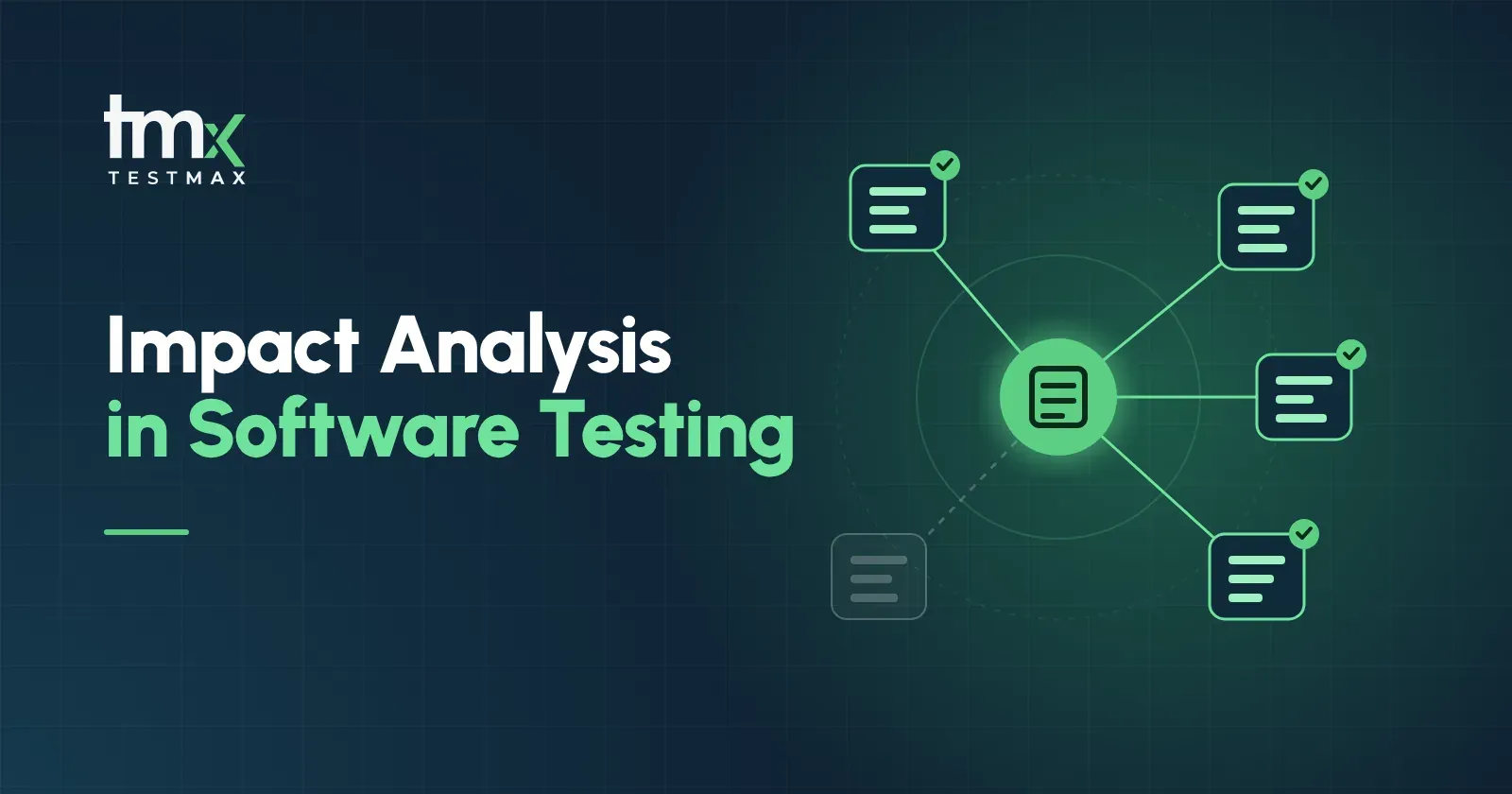
Impact analysis in software testing is the process of finding everything a change could affect before it ships. The change can be a new requirement, an edit to an old one, a code fix or a config update. The output is a short list: what to update, what to retest and what to leave alone.
Without it, teams fall into one of two traps. They retest everything and lose days, or they retest what they remember and miss something.
The 3 types of impact analysis
Most QA teams only do the third one, and only in their heads. The first one is where most of the missed bugs come from, because a requirement change is the earliest point where you can catch the ripple.
Impact analysis example: one line, six things
Let's go back to Friday's change and do the impact analysis properly.
The change: "Password reset links expire after 1 hour" (it used to be 24 hours).
That last row matters as much as the others. Good impact analysis does not only tell you what to test. It tells you what you can safely skip, so a one line change does not turn into a full regression cycle.
Notice where the list came from. Every row is something linked to the requirement. If those links exist, this table takes minutes. If they don't, someone has to remember them.
Why manual impact analysis keeps failing
Most teams already try to do this. It breaks for boring reasons.
- The spreadsheet is out of date. A traceability matrix in Excel is correct on the day it is made. Three sprints later, it is a guess.
- Jira links are half there. Some stories link to test cases, some don't, and nobody knows which.
- It lives in one person's head. Your most senior tester knows what connects to what. When they are on leave, the knowledge is too.
- There is no time. Impact analysis feels like extra work, so it gets skipped when the sprint is tight. That is exactly when changes are riskiest.
The result is the same two traps: retest everything, or miss something. Both cost more than the analysis would have.
Test impact analysis in CI/CD
There is a second place impact analysis pays off: your pipeline.
Running the full suite on every commit is slow and expensive. Test impact analysis picks only the tests linked to what changed, runs those first, and saves the full run for nightly or release builds. We wrote a full guide on this: automated test selection and how AI risk scoring decides what to run in CI/CD.
The key point is the same. Test selection is only as good as the links behind it. If tests are not tied to requirements and code, the pipeline is guessing too.
Where TestMax fits
TestMax is a requirement driven AI testing platform by Mammoth-AI. It makes impact analysis fast because the links are built in from the start, not added later by hand.
- Requirements come in directly. Import from Jira, Azure DevOps, or Word, PDF and CSV files. No copy and paste, no second copy to keep in sync.
- Every requirement is scored. TestMax checks clarity, completeness, consistency, atomicity and testability, each out of 5. When a requirement changes, score it again and catch a vague edit before it reaches testing. More in requirement validation, explained.
- Test cases and scripts are generated from the requirement. So each test case and each Playwright script is tied to the requirement it came from.
- Every result traces back. When a requirement changes, its linked test cases, scripts and last results are in one place. That is your impact list. See how runs work on the test execution page.
- Updating is fast. In our benchmark, TestMax wrote 15 test cases in 8 minutes instead of 150. Regenerating the affected tests after a change takes minutes, not a sprint.
What QA teams can do today
You can start improving impact analysis this week, with or without a new tool.
- Pick your riskiest feature. Payments, login or anything regulated.
- Link its requirements to its tests. Even a simple list is better than memory.
- Add one question to every change request: "Which tests does this touch?"
- Mark what is safe to skip. This is where the time savings come from.
- Run only the affected tests first in CI, then the full regression suite before release.
See it on your own change
Bring one requirement that changed last sprint to a TestMax demo. You will see its score, the test cases and scripts linked to it, and what would need to run again.
See how TestMax traces every test to its requirement or read more about AI test automation.